







High zero-day in Citrix NetScaler ADC & Gateway: Patch CVE-2026-88779
A high-severity memory overflow vulnerability was disclosed, affecting Citrix NetScaler ADC and Citrix NetScaler Gateway.

A memory overflow vulnerability was disclosed over the weekend, affecting Citrix NetScaler ADC and Citrix NetScaler Gateway.
Tracked as CVE-2026-88779, this security flaw carries a CVSS v4.0 score of 8.7 and can be exploited remotely by an unauthenticated attacker to cause a complete Denial of Service (DoS) on vulnerable appliances.
Cloud Software Group has released security updates to mitigate this vulnerability. Security engineers and system administrators are strongly urged to review their SAML configurations and apply the necessary patches immediately.
NetScaler vulnerability overview and threat details
CVE-2026-88779 stems from an Improper Restriction of Operations within the Bounds of a Memory Buffer (CWE-119). Specifically, a memory overflow issue within the appliance's SAML processing logic allows remote attackers to trigger a system crash or process exhaustion, rendering application delivery controller (ADC) functions and gateway access unavailable.
Vulnerability summary:
- CVE ID: CVE-2026-88779
- Severity rating: High
- CVSS v4.0 vector:
CVSS:4.0/AV:N/AC:L/AT:N/PR:N/UI:N/VC:N/VI:N/VA:H/SC:N/SI:N/SA:N(Base Score: 8.7) - Common weakness enumeration: CWE-119 (Memory Buffer Overflow)
- Impact: Unauthenticated Denial of Service (High Availability Impact)
- Discovered/acknowledged by: Bishop Fox and watchTowr
Affected Citrix NetScaler appliances and preconditions
The vulnerability affects customer-managed instances of Citrix NetScaler ADC (formerly Citrix ADC) and Citrix NetScaler Gateway (formerly Citrix Gateway), including Secure Private Access Hybrid deployments utilizing NetScaler instances.
Preconditions for exploitation
For an appliance to be vulnerable to CVE-2026-88779, it must be explicitly configured as either a SAML Service Provider (SP) or a SAML Identity Provider (IdP).
How to check if your Citrix NetScaler appliance meets the vulnerability preconditions
Security engineers can inspect their NetScaler configuration files (ns.conf) or run CLI queries to determine if SAML functionality is enabled:
1. Configured as a SAML Service Provider (SP)
Search for configuration entries matching:
add authentication samlAction2. Configured as a SAML Identity Provider (IdP)
Search for configuration entries matching:
add authentication samlIdPProfileAffected versions and fixed releases
The following supported versions of NetScaler ADC and Gateway are vulnerable. You must upgrade to the corresponding fixed build (or later):
| Affected NetScaler versions | Minimum fixed release |
|---|---|
| NetScaler ADC & Gateway 14.1 | 14.1-73.41 and later |
| NetScaler ADC & Gateway 13.1 | 13.1-64.28 and later |
| NetScaler ADC 14.1-FIPS | 14.1-73.41 FIPS and later |
| NetScaler ADC 13.1-FIPS & 13.1-NDcPP | 13.1-37.282 (FIPS/NDcPP) and later |
Action required: How to fix
To remediate CVE-2026-88779, security engineers should do the following:
1. Log into the ADC Portal
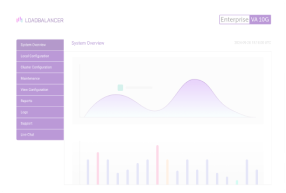
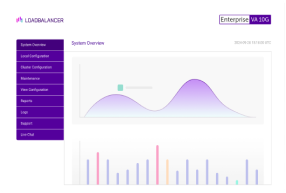
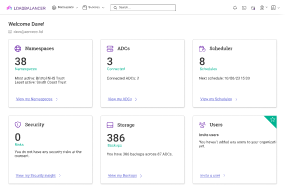
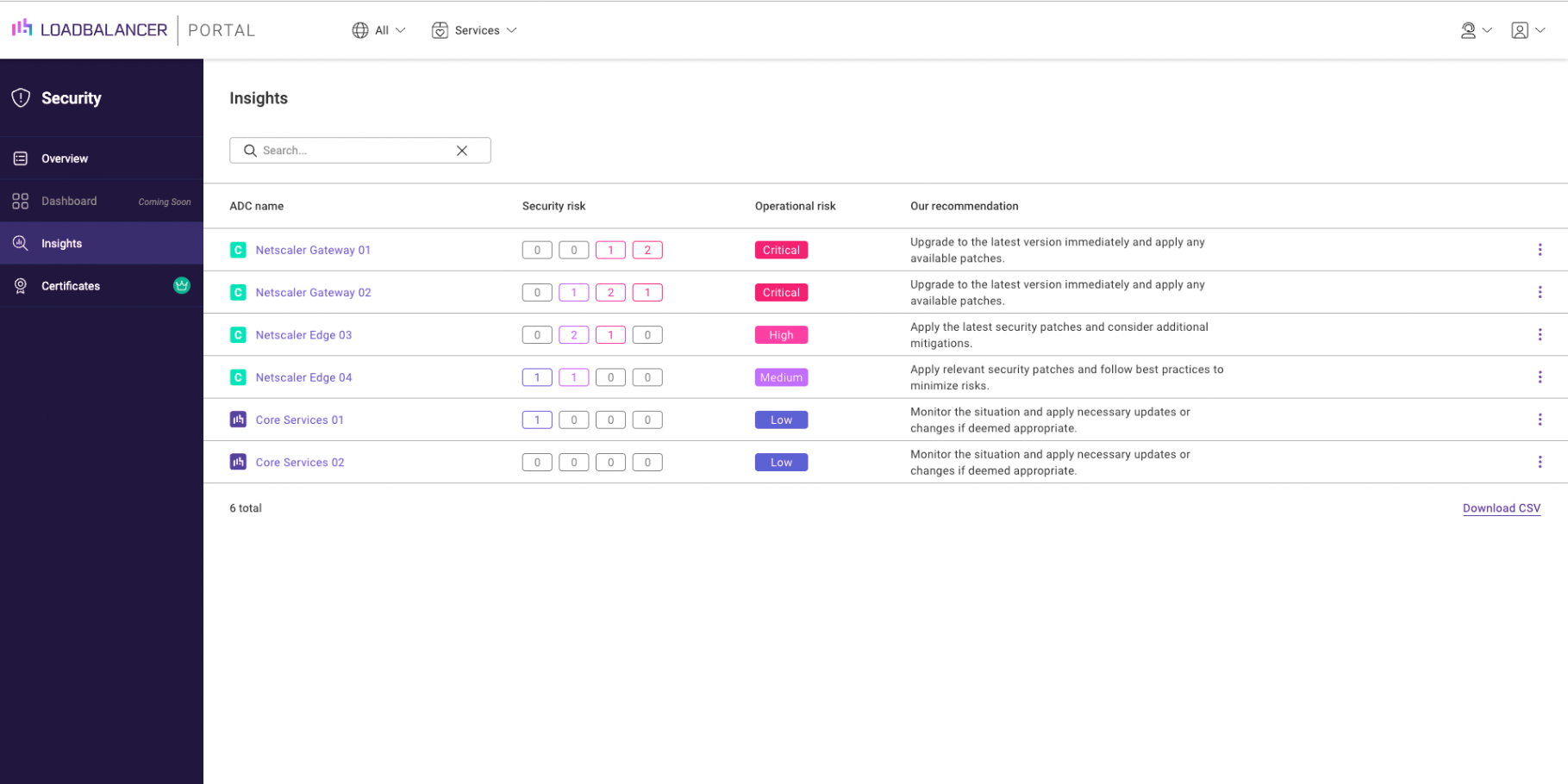
The Loadbalancer.org ADC Portal automatically scans for Common Vulnerabilities and Exposures (CVEs) affecting connected Application Delivery Controllers (ADCs) by querying the NIST National Vulnerability Database.
Once logged in to your ADC Portal account, navigate to Security > Insights.
From there, identify your affected NetScaler appliances.
2. Log into your NetScaler appliance
Run the CLI commands or inspect ns.conf on all deployed NetScaler nodes to verify if SAML SP (add authentication samlAction) or SAML IdP (add authentication samlIdPProfile) profiles are active.
3. Preserve logs and state evidence
Because updating software can overwrite volatile forensic traces, check for signs of potential compromise first if you manage internet-facing instances. Take snapshot logs and evaluate system activity before applying the patch.
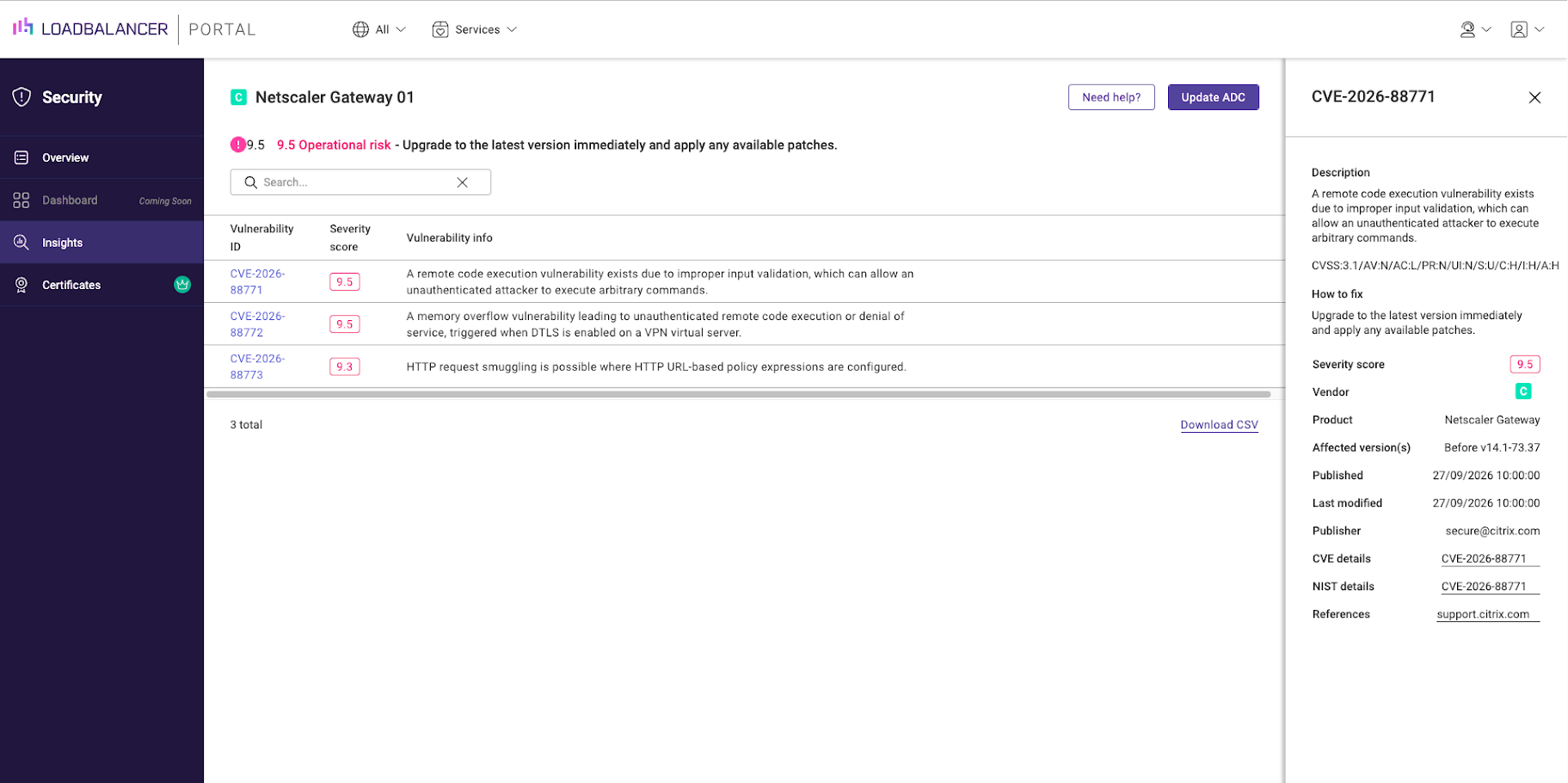
4. Apply the official firmware patches via the ADC Portal
Upgrade affected hardware, virtual appliances (VPX), and FIPS-compliant devices to the respective patched version (e.g., 14.1-73.41 or 13.1-64.28).
Deploy the fixed software build across all customer-managed devices immediately by clicking 'Update ADC':
5. Run HA node updates
Update high-availability (HA) pairs sequentially (secondary node first, failover, then former primary node) to maintain uninterrupted service availability during patching.
6. Contact our support team for a free load balancer health check
The ADC Portal can help you identify, mitigate, and resolve Common Vulnerabilities and Exposures (CVEs) across your NetScaler, F5, Progress Kemp and Loadbalancer.org fleet. To find out how, contact our support team.
Further reading
- Critical zero-days in Citrix NetScaler ADC & Gateway: Patch CVE-2026-88771 and CVE-2026-88772 immediately
- Two NetScaler Zero-Days Are Exploited—Every Default Deployment Needs a Check
- Citrix patches NetScaler SAML zero-day exploited in attacks
Improve your security posture with the ADC Portal.

Critical zero-day in F5 BIG-IP APM: Emergency CVE-2026-94127 hotfixes released

Related posts
Critical zero-day in F5 BIG-IP APM: Emergency CVE-2026-94127 hotfixes released
Critical zero-days in Citrix NetScaler ADC & Gateway: Patch CVE-2026-88771 and CVE-2026-88772 immediately
Hardening the edge: Essential security lessons for F5 users following the recent breach

How to set up and manage an F5 in the ADC Portal

The ultimate VMware NSX alternative: Nutanix + Loadbalancer.org

Demystifying GSLB in Cisco ACI: How to fix failover quirks and avoid the iQuery headache

Building resilient neocloud S3 storage architecture: The critical role of load balancing
How can I load balance UDP with open source HAProxy?