









A critical zero-day vulnerability in F5 BIG-IP Access Policy Manager (APM) is currently being exploited in the wild, prompting urgent warning advisories from international cybersecurity agencies including CISA, CERT-EU, the Canadian Centre for Cyber Security, and NHS England.
Tracked as CVE-2026-94127, the flaw carries a near-maximum severity rating (CVSS v3.1: 9.8 / CVSS v4.0: 9.3) and allows unauthenticated remote code execution (RCE). F5 disclosed the issue and confirmed active exploitation on September 22, 2026.
Here is what security leaders, system administrators, and incident response teams need to know—and do—immediately.
What is CVE-2026-94127?
The vulnerability is a heap-based buffer overflow in F5 BIG-IP APM. A remote, unauthenticated attacker can send crafted malicious input to force memory corruption and execute arbitrary code on the underlying appliance.
Critical threat attributes:
- No authentication required: Attackers do not need valid user credentials or session tokens.
- No privilege escalation needed: The attack vector allows direct remote exploitation over the network.
- Data plane exposure: Traffic reaches the vulnerable service through standard application virtual servers. Restricting access to the BIG-IP management interface (control plane) will NOT mitigate this threat.
- Appliance mode unprotected: Devices running in Appliance Mode remain fully exposed.
Are you affected? Identifying exposed configurations
Not all BIG-IP APM installations are vulnerable. The exposure is specifically tied to how the APM module is configured.
- VULNERABLE = BIG-IP APM configured as an OAuth Authorization Server (issues OAuth tokens & codes to client applications).
- NOT VULNERABLE = BIG-IP APM operating ONLY as an OAuth Client or Resource Server (delegating auth to external providers).
Affected F5 BIG-IP products and immediate actions
F5 has released vendor-supported emergency hotfixes for active release branches. Software that has passed its End of Technical Support (EoTS) date was not evaluated and should be assumed vulnerable until upgraded.
1. Log into the ADC Portal
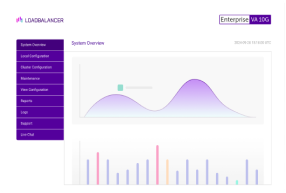
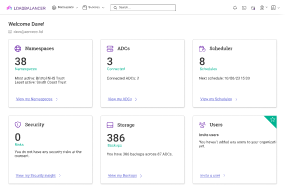
The Loadbalancer.org ADC Portal automatically scans for Common Vulnerabilities and Exposures (CVEs) affecting connected Application Delivery Controllers (ADCs) by querying the NIST National Vulnerability Database.
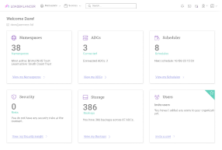
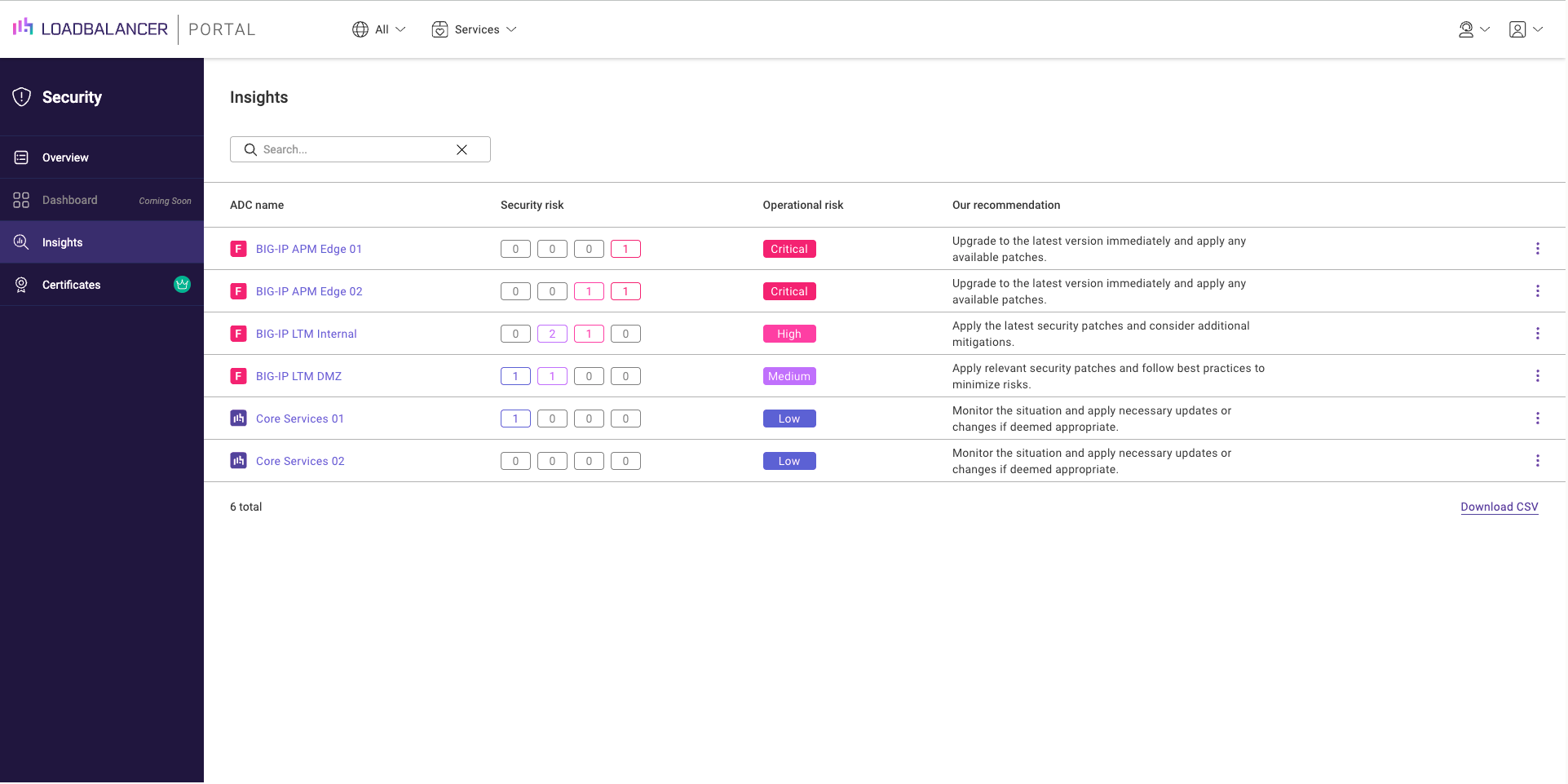
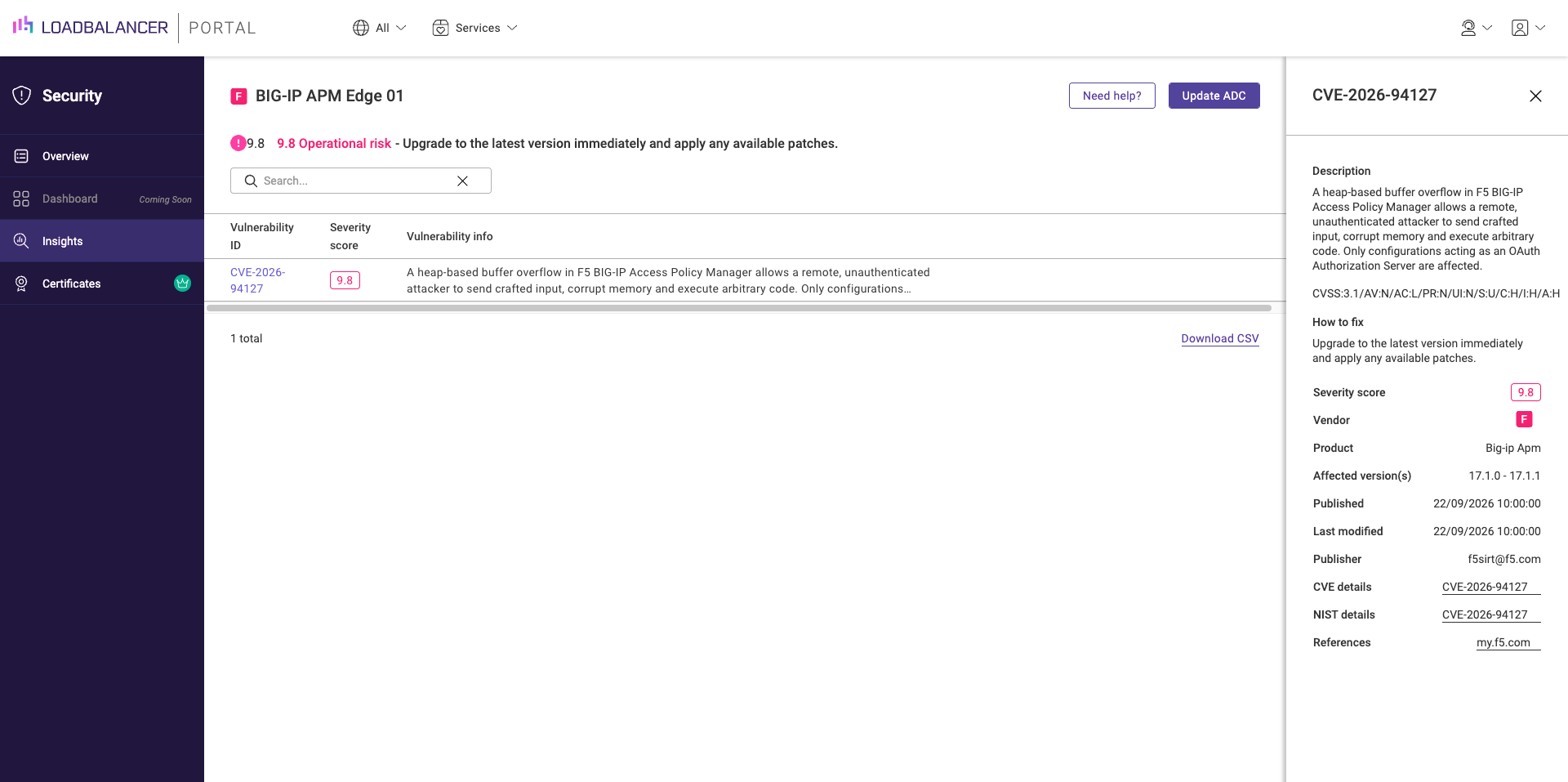
Once logged in to your ADC Portal account, navigate to Security > Insights.
From there, identify your affected F5 appliances:
2. Preserve logs and state evidence
Because updating software can overwrite volatile forensic traces, check for signs of potential compromise first if you manage internet-facing instances. Take snapshot logs and evaluate system activity before applying the patch.
3. Apply the official firmware patches
Deploy the update across all customer-managed devices immediately by clicking 'Update ADC':
4. Contact our support team for a free load balancer health check
The ADC Portal can help you identify, mitigate, and resolve Common Vulnerabilities and Exposures (CVEs) across your F5, NetScaler, Progress Kemp and Loadbalancer.org fleet. To find out how, contact our support team.
Warning for security teams
- Audit configurations immediately: Map all virtual servers on your BIG-IP devices to determine if APM is functioning as an OAuth Authorization Server.
- Preserve forensic evidence: Before rebooting or patching appliances, capture volatile memory and system logs as recommended by CERT-EU.
- Apply emergency hotfixes: Deploy the branch-specific engineering hotfix across all exposed appliances.
- Inspect for volatile malware: Be aware that sophisticated attackers targeting network edge appliances can inject malicious code directly into process memory (such as PHP web shells residing solely in memory while disk contents appear clean). Look beyond simple file integrity monitoring.
- Evaluate downstream trust: Because an OAuth Authorization Server manages credentials and access tokens, inspect connected identity services, signing keys, and federated applications for anomalous behavior or unverified token issuing.
Further reading
- How to set up and manage an F5 in the ADC Portal
- Troubleshooting F5 BIG-IP update issues
- How to backup an F5 BIG-IP, without falling victim to some of the potential pitfalls
- F5 BIG-IP vulnerability remediation and mitigation
Improve your security posture with the ADC Portal.

Critical zero-days in Citrix NetScaler ADC & Gateway: Patch CVE-2026-88771 and CVE-2026-88772 immediately


High zero-day in Citrix NetScaler ADC & Gateway: Patch CVE-2026-88779
Related posts
High zero-day in Citrix NetScaler ADC & Gateway: Patch CVE-2026-88779
Critical zero-days in Citrix NetScaler ADC & Gateway: Patch CVE-2026-88771 and CVE-2026-88772 immediately
Finally, a simple way to convert MaxMind GeoIP Database files to the legacy DAT format!

Load balancing Omnissa Horizon: Choosing the right UAG design

The ultimate VMware NSX alternative: Nutanix + Loadbalancer.org

Demystifying GSLB in Cisco ACI: How to fix failover quirks and avoid the iQuery headache

Building resilient neocloud S3 storage architecture: The critical role of load balancing
How can I load balance UDP with open source HAProxy?